Finished, head to toe
Every outfit arrives complete, with each price and the total in your currency, so you know what it costs before you fall for it.

Free on iPhone · No ads
Tell Drip’d the occasion and get a complete outfit of real pieces from real stores, with every price, the total, your size in stock and a link to buy.
 Try it without an account.
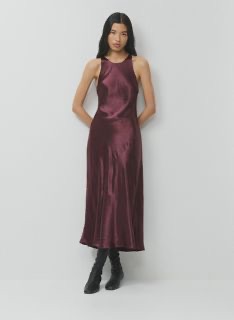
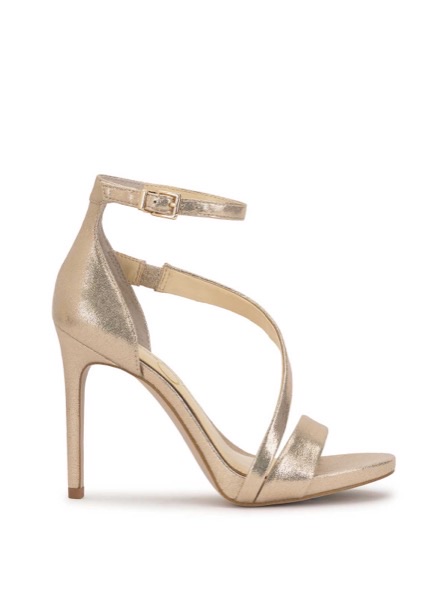
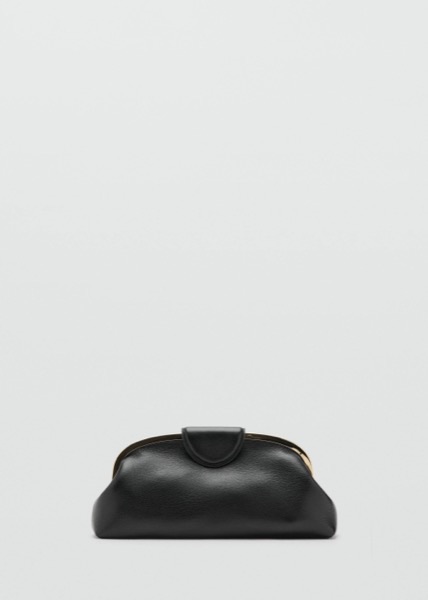
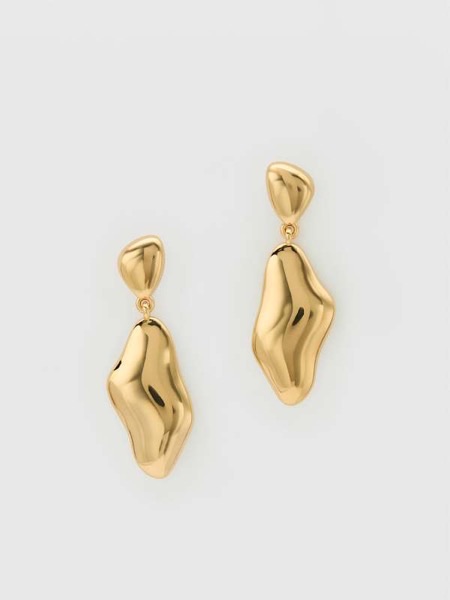
No questionnaire, no collage to build yourself.
Tap one, a wedding, an interview, a date, a trip, or describe it in your own words. Add a budget if you have one.
Real pieces from real stores, top to shoes, with each price, the sizes available and the total. See it on a model, or on your photo.
Swap any piece, try Similar for less, save it to your closet, and buy each piece from the store with one tap.
Real products, real prices, real stock. And a few things that make the outfit yours.
Every outfit arrives complete, with each price and the total in your currency, so you know what it costs before you fall for it.
Save your sizes once. Drip’d shows which pieces are in stock in your size, piece by piece.
One tap finds a cheaper equivalent for every piece in the outfit and shows what you save.
Add a photo or screenshot of an outfit and get the closest pieces you can buy, with their prices.
A colour analysis from one photo: your best shades, your neutrals and the ones to skip. Your colours then shape every suggestion.
Your pieces, saved items and looks together, plus trends this week and new arrivals from your brands.
Drip’d doesn't sell anything itself. Every piece links to the store that does.
US, UK, France, Spain, Türkiye, Canada, Mexico, Japan, India and the rest of the EU. Prices in your currency.
No ads and no watermark on any plan.
Free
3
looks a day
Standard
50
looks a month
Max
150
looks a month
Standard and Max are auto-renewing monthly subscriptions through the App Store. Prices are shown in the app, in your currency, before you subscribe. Cancel anytime in Settings at least 24 hours before renewal.
No. Every piece links to the store that sells it, and you buy there. The store sets the price, stock and delivery.
Save your sizes in the app and Drip’d shows which pieces the store lists as available in them. We refresh prices and stock every day, but stores can sell out in between, so the store's page always has the final word.
No. Try Drip’d as a guest. Sign in with Apple or Google when you want to save looks across devices or preview an outfit on your own photo.
One tap finds a cheaper equivalent for every piece in your outfit and shows how much you save.
The preview helps you picture the outfit. It's an approximation: colour, fit and length can differ in real life. Check the store's size guide before you buy.
Adding your own photo is optional, and the app asks for your consent first. The Privacy Notice explains which service providers process it and how to delete it.
Cancel a subscription in Settings › your name › Subscriptions › Drip’d. Delete your account in the app under Me › Delete account; that doesn't cancel an App Store subscription, so cancel it first.
The whole outfit, in your size, at your price.